
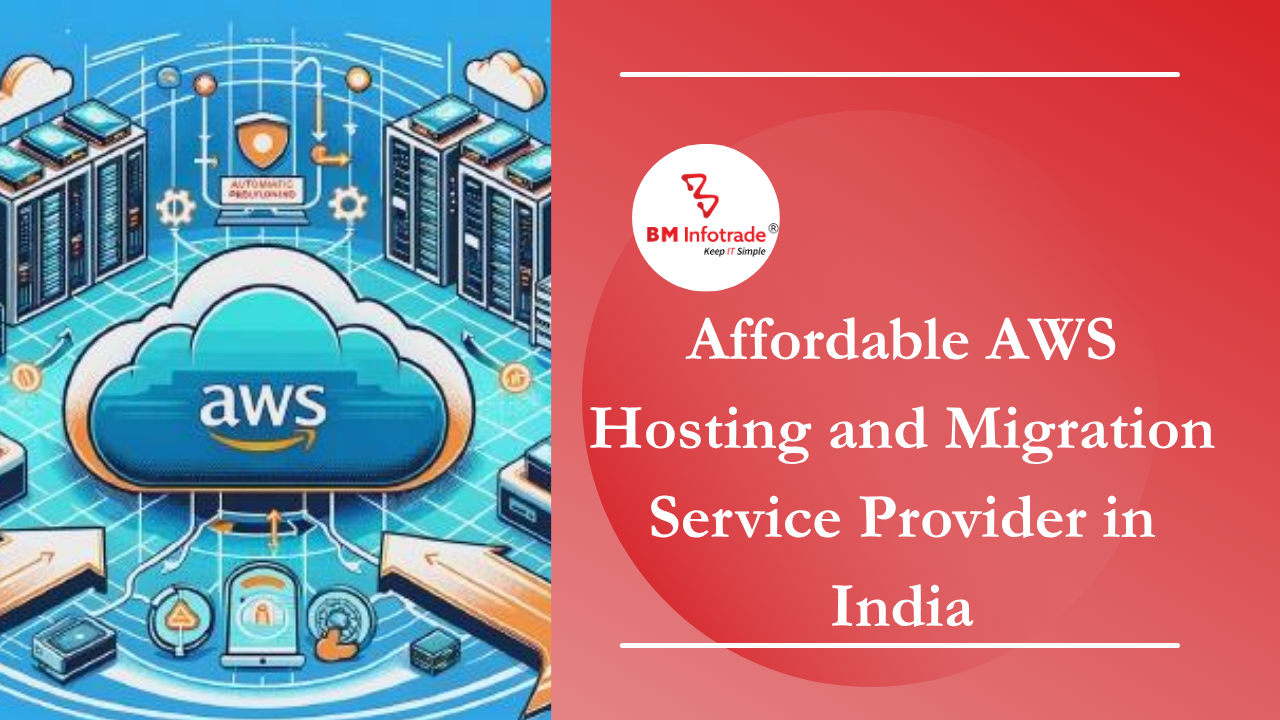
Affordable AWS Hosting and Migration Service Provider in India
Looking for affordable AWS hosting and migration services in India? BM Infotrade helps businesses migrate applications, databases, and workloads to AWS with minimal downtime, enhanced security, cost optimization, and expert cloud support for seamless digital transformation.
21
Jul
Affordable AWS Hosting and Migration Service Provider in India
Published 21 Jul 2026 Updated 21 Jul 2026 Written and reviewed by Anshul Goyal
Table of Contents
- Introduction
- What Is AWS Hosting and Migration?
- Why Businesses Are Moving to AWS
- Current Challenges With Traditional Hosting
- Our AWS Hosting and Migration Solution
- Traditional Hosting vs AWS Cloud Solution
- AWS Migration Roadmap
- Why Affordable AWS Hosting Does Not Mean Cheap Hosting
- Security and Compliance
- Conclusion
- Call to Action
- FAQs
Affordable AWS hosting and migration services help businesses move websites, applications, databases, and workloads to Amazon Web Services with better uptime, stronger security, lower infrastructure cost, and easier scalability. It helps companies reduce server dependency and build a reliable cloud foundation for long-term growth.
Introduction
Hosting your company website is no longer enough for companies in India; having quick site load times, secure data, constant uptime, as well as being easily scalable, backing up site data and pre-determining the price for anything you host are necessary.
That is when it is essential to find an affordable AWS hosting and/or migration provider in India.
For the affordable, reliable, flexible and fast performance of your cloud infrastructure that provides your company with a powerful cloud infrastructure (Cloud), AWS will allow you to create any cloud application you need. To get there, you must have the right planning for AWS. If this is not done correctly, it will be much more difficult to manage AWS, and you will spend much more money than necessary. However, the correct cloud configuration will allow you to increase your overall business performance through the reduction of any server issues and help you be ready for future growth.

What Is AWS Hosting and Migration?
Hosting your site, app, db, or business app with Amazon Web Services (AWS) is referred to as hosting on AWS. Hosting on AWS is done via the Internet using a virtual server instead of through a traditional, physical server or shared hosting environment.
Migrating your digital assets from their current hosting provider or server to the AWS cloud is called "AWS migration". This may include:
1. Migrating your website.
2. Migrating your application.
3. Migrating your database.
4. Migrating your file and storage.
5. Migrating your email or servers.
6. Creating a backup and disaster recovery plan.
7. Creating a security and monitoring plan.
AWS Migration (from the implementation perspective) is not simply moving servers; it is a complete upgrade of all infrastructure.
Why Businesses Are Moving to AWS
Many companies begin with simple and inexpensive Web hosting services as their business starts. However, since their businesses expand and their User traffic increases, businesses will likely experience issues like slow website loads due to a lack of storage or server crash errors, no proper backup system, or a lack of proper security measures.
With the flexibility of AWS Cloud Infrastructure, businesses can help ensure that the right amount of resources can be added or removed depending on traffic flow.
Our technical department has discovered that AWS is particularly valuable to e-commerce sites, SaaS Platforms, ERP systems, CRM Applications, Mobile Application Back Ends, Business Portals, and High-Traffic Sites.
Current Challenges With Traditional Hosting
Most traditional hosting offers fixed server capacity. When there is a sudden increase in traffic to a website, many businesses either must purchase more resources than they need or risk that their website is unavailable during peak traffic periods.
Some common challenges that occur due to fixed server capacity are:
1. Delayed load times
2. Greater potential for outage
3. Dependency on the annual backup process
4. Scalability limitations
5. Insufficient access control
6. Poor monitoring practices
7. Difficult disaster recovery
8. Unpredictable maintenance
CTOs, IT leaders, and business owners all feel how these issues impact the customer experience, revenue generation, and continued operation of their businesses.
Our AWS Hosting and Migration Solution
An expert provider of AWS hosting services and migration does much more than transferring files from one location to another; instead, they strive to create a secure, scalable and cost-effective environment in which to use AWS.
To achieve this, the provider will utilise different combinations of Amazon services (for example: EC2, S3, RDS, IAM, VPC, CloudWatch, Auto Scaling, Load Balancer).
The combination of these services allows for a cloud architecture that is secure, flexible and will grow with your company.
Traditional Hosting vs AWS Cloud Solution
|
Area |
Traditional Hosting |
AWS Cloud Solution |
|
Scalability |
Limited server capacity |
Easily scalable as the business grows |
|
Cost |
Fixed or underutilised cost |
Optimised cloud spending |
|
Security |
Basic protection |
IAM, encryption, access control |
|
Backup |
Manual or limited backup |
Automated backup planning |
|
Monitoring |
Manual checks |
Real-time monitoring and alerts |
|
Downtime Risk |
Higher during server failure |
Better uptime planning |
|
Growth |
Hardware upgrade needed |
Cloud resources can expand quickly |
AWS Migration Roadmap
You should start by analysing your existing environment (hosting service, size of your applications, database schema, traffic flow, amount of data storage, security requirements, and business objectives).
Once you have this information, you can develop a detailed plan to move from your current environment to Amazon Web Services (AWS).
After the evaluation has been completed, the architecture team designs a cloud architecture that includes the type of machines (instances), the database configuration, the appropriate security measures, the ability to back up the data, the ability to monitor the environment, and how to estimate the cost of the solution.
The objective is to select only those services that are required from AWS to keep the overall costs down.
3. Migration Execution
During the transition, all websites, applications, documents, databases, and other digital assets will be transitioned to AWS. Backup and roll-back planning are necessary to avoid downtime or loss of data.
4. Testing and Go-Live
Before going live with the solution, the engineering team will verify website load times, application response times, database connectivity, login processes, form submissions, payment processing, certificate validity, domain name system resolution, and backup status to ensure that all aspects of the solution are functioning as expected.
Once the solution is operational, it will then be made available to the public.
Once the solution has been implemented, the AWS infrastructure will need to be monitored, periodically updated, reviewed for any cost variances, have its backup procedures reviewed, and have its security controls audited.
Managed support from AWS will enable businesses to maintain the cloud solution with less investment in an internal team dedicated to maintaining the cloud.
Why Affordable AWS Hosting Does Not Mean Cheap Hosting
Good planning instead of just a low-cost design is the secret to affordable AWS hosting.
The cost of an improperly designed AWS platform is substantially higher than if the design had been planned properly, which results in less wasted money and greater performance.
The factors affecting the cost of affordable AWS hosting include:
1. Sizing the servers correctly
2. Only using the required AWS services
3. Monitoring costs
4. Automating backup processes
5. Controlling access securely
6. Tracking performance
7. Making it easy to scale for future growth
With this method of designing an affordable AWS platform, businesses can get the best possible value while maintaining sufficient security and availability.
Security and Compliance
One of the key aspects of migrating to AWS is ensuring your data's security while in transit or at rest. Creating a secure environment using AWS requires a combination of:
IAM access control, multi-factor authentication, encryption of data in the cloud, secure networking equipment, firewall rules, limited access permissions, backup data protection, and ongoing monitoring/alerting of potential security breaches.
For businesses that collect customers' personally identifiable information (PII), manage financial records, store health-related information, or maintain internal company documentation, implementing robust security measures when migrating to AWS can have dramatic ramifications down the line!
The technical team will be focused on securing your cloud infrastructure during the migration process to help mitigate risks that might otherwise go undetected after your data has migrated.
Conclusion
By selecting an affordable provider of AWS migration and hosting help in India, companies will be able to transition from limited old-fashioned hosting options (on-site servers) to new, secure cloud-based hosting (AWS).
With Amazon Web Services (AWS), your company's uptime, speed, and security increase dramatically, as do your company's backups and business continuity plans. The success of your AWS migration largely hinges on the planning and execution of the cloud deployment.
For CTOs, IT managers, founders and business owners, migrating to AWS should be viewed as an improvement to their digital business strategy; it is a logical step to enable continued growth and expansion (stability).
Call to Action
If you are considering migrating your website, application or database to an AWS account, please reach out to one of our AWS cloud specialists for a consultation. We can provide you with an architectural recommendation, a security plan, a migration strategy and/or estimated costs.
FAQs
1. What is AWS hosting?
When you use AWS to host a website, application, or database, you are utilizing Amazon's globally distributed cloud computing infrastructure instead of hosting on a single, traditional server.
2. Is AWS hosting affordable for small businesses in India?
The costs for using AWS can be low if you take the time to carefully plan the infrastructure using the correct server size, storage type and amount, backups, and cost tracking.
3. What is AWS migration?
The process of migrating to AWS involves moving your current websites, apps, databases, files, or workloads from existing servers to AWS.
4. How long does AWS migration take?
The timeline for your migration will be determined by the size of your website, app, database, and server. Generally, smaller websites can migrate much more quickly than more complex apps and will require extensive pre-migration planning and testing to successfully migrate them.
5. Is AWS secure for business hosting?
AWS can be very secure if you use IAM, encrypt data, create firewall rules, implement access control, setup backups, and monitor systems.


Anshul Goyal
Group BDM at B M Infotrade | 11+ years Experience | Business Consultancy | Providing solutions in Cyber Security, Data Analytics, Cloud Computing, Digitization, Data and AI | IT Sales Leader